
YouTube Studio 2026 Updates: What Creators Need to Know
YouTube Studio gets its biggest overhaul yet. AI editing with Veo 3, Ask Studio analytics, A/B testing upgrades, autodubbing in 20 languages, and multi-creator collaboration. Here's the full breakdown.
On this page
YouTube Studio 2026 Updates: What Creators Need to Know
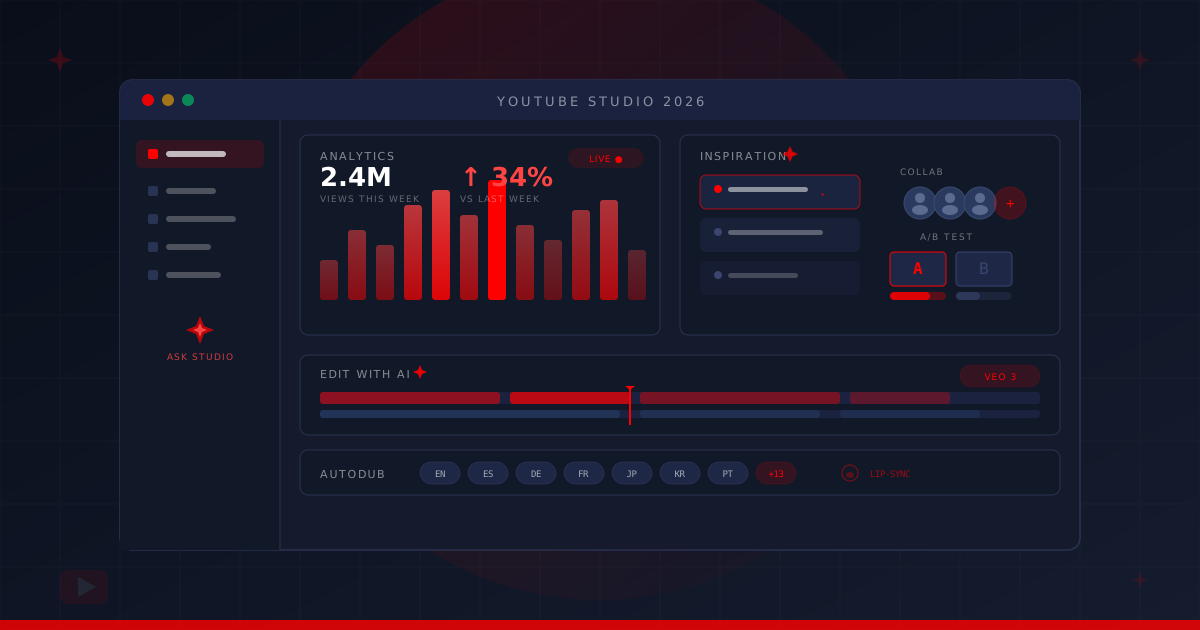
TL;DR: YouTube Studio is getting its most significant upgrade in years. The headline features: An AI analytics chatbot called Ask Studio, Veo 3-powered video editing, A/B testing that measures watch time instead of just clicks, multi-creator collaboration, and automatic dubbing with lip-sync in 20 languages. Most features are rolling out globally through Q1 and Q2 2026.
YouTube just turned its Studio dashboard from a publishing tool into something closer to a full creative operating system.
The platform announced a wave of updates. Some are refined versions of features that have been in testing for months. Others are new capabilities that change what creators can do without ever leaving the Studio interface. If you’ve been treating Studio as the place where you upload and check numbers, that relationship is about to change.
Here’s what’s actually shipping, what it means for how creators work, and where this fits in YouTube’s broader strategy.
Ask Studio: Your channel’s personal analyst
The feature grabbing the most attention is Ask Studio, an AI chatbot that sits inside YouTube Studio and answers questions about your channel in plain language.
Rather than digging through analytics dashboards to figure out why a video underperformed, you type something like “Why did my retention drop in the last three videos?” and Ask Studio pulls the relevant data, spots patterns, and gives you a readable answer.
It works across three data layers: Your analytics (views, retention, traffic sources), your comments (sentiment analysis, recurring themes), and your content history (what’s worked before, what hasn’t). The system can analyze both long-form and Shorts performance in the same conversation.
A few things it can’t do: It won’t compare your channel to competitors, it won’t access private data from other channels, and it’s not a strategy generator. It’s an insights tool. Think of it as a junior analyst who has perfect recall of every metric your channel has ever produced, but who still needs you to ask the right questions.
Ask Studio is already live for creators in the US, Canada, UK, India, New Zealand, the EEA, and Latin America, with more regions expected throughout 2026.
Why it matters
Most creators never use their analytics effectively. Not because the data isn’t there, but because interpreting it requires time and context that most people don’t have. Ask Studio closes that gap. A creator who uploads twice a week and doesn’t have a data team can now get the same kind of performance analysis that a multi-channel network would provide, instantly and for free.
Edit with AI and Veo 3 Fast
YouTube is integrating Google DeepMind’s Veo 3 Fast directly into the Shorts creation workflow. The short version: Creators get access to a text-to-video AI model without paying for a separate tool or leaving the YouTube ecosystem.
What Veo 3 Fast can do inside Studio:
- Generate video backgrounds from text prompts
- Apply motion from a video to a still image
- Restyle clips with different visual treatments
- Insert objects into existing video scenes via text description
Separately, the “Edit with AI” feature (currently in testing within Shorts and the YouTube Create app) takes raw footage and produces a first-draft edit. It’s not replacing editors. It’s handling the tedious first pass: Cutting dead air, sequencing clips, applying basic transitions. The kind of work that takes an hour and adds zero creative value.
YouTube hasn’t announced a timeline for expanding Edit with AI to long-form content, but the infrastructure is clearly heading that direction.
The strategic read
Giving away Veo 3 Fast for free is a deliberate play. Runway, Pika, and a dozen other AI video tools have been building creator-focused products for two years. YouTube’s counter-move: Bundle equivalent capabilities into the platform creators already use, at zero cost. If you’re a Shorts creator, the switching cost to try a competitor’s AI tool just went up significantly.
A/B testing that measures what matters
YouTube’s thumbnail and title testing feature has been around in various forms, but the 2026 update changes the methodology in a meaningful way.
Previously, A/B tests leaned heavily on click-through rate. The problem with CTR as a success metric is well-documented: A clickbait thumbnail gets clicks but tanks retention, which hurts the video’s algorithmic performance. You’d “win” the A/B test but lose the recommendation game.
The updated system now evaluates test variants based on watch time after the click, measuring how long viewers actually stay once they’ve arrived. You can test up to three variations of both titles and thumbnails simultaneously, and the system automatically identifies which combination drives the best overall performance.
This is a subtle but important shift. It rewards thumbnails and titles that accurately represent the content, rather than ones that overpromise. For creators who’ve been doing honest, high-quality work and losing to clickbait in the short term, this levels the field.
Multi-creator collaboration
YouTube’s new collaboration system lets creators add up to five co-authors to a single video or Short. Once a collaborator accepts the invite, their name and a subscribe button appear on the video. That gives smaller creators direct exposure to larger audiences, and gives larger creators a frictionless way to credit collaborators.
The more interesting piece: Videos can now be published across multiple channels simultaneously with integrated collaboration credits. No duplicate uploads. No re-encoding. One piece of content, multiple channels, shared credit.
For creator-led production studios (the model YouTube has been pushing toward with its “creators as studio producers” messaging) this solves a real logistics headache. Cross-channel projects no longer require workarounds.
Autodub 2.0: Lip-sync across 20 languages
YouTube’s automatic dubbing feature has been in use for over a year, averaging around 6 million daily viewers on auto-dubbed content. The 2026 upgrade adds lip-sync alignment, so the dubbed audio now matches the creator’s on-screen mouth movements.
The difference between Autodub 1.0 and 2.0 is the difference between watching a foreign film with dubbing and watching one where the actors’ lips actually match the dialogue. The uncanny valley effect that made v1 feel noticeably off is significantly reduced.
Currently supported across 20 languages, with more in development. For creators producing content in English, this multiplies their addressable audience without any additional production effort. A creator who gets 100K views on an English video could potentially reach non-English speakers who previously bounced. YouTube’s recommendation algorithm treats dubbed versions as the same video, not a separate upload.
The Inspiration Tab goes global
The Inspiration Tab, previously limited to select creators and mobile, is now available on the web version of YouTube Studio worldwide. It suggests topics based on trending searches, audience interests, and gaps in your content catalog.
The updated version lets you combine suggested topics, layer in your own angles, and explore different creative directions before committing to a video concept. It pulls from the same data that powers YouTube’s recommendation engine, which means the topic suggestions are grounded in actual viewer demand, not guesswork.
It won’t replace a good content strategist. But for solo creators who spend hours trying to figure out what to make next, it compresses the ideation phase considerably.
Likeness protection for all partner creators
YouTube is expanding its AI likeness detection tool from limited testing to an open beta for all YouTube Partner Program creators. The tool scans for videos that use AI-generated recreations of a creator’s face without authorization, and provides a streamlined process for requesting removal.
With deepfakes and unauthorized AI-generated content spreading across platforms, this is a meaningful safety net. It doesn’t catch everything (no detection system does), but it shifts the default from “creator has to find and report violations manually” to “the platform actively monitors on your behalf.”
What this means for the creator ecosystem
These features point in a single direction: YouTube is collapsing the distance between having an idea and publishing a finished, globally distributed, data-optimized video.
The traditional creator workflow (ideate, research, script, shoot, edit, design thumbnails, write titles, upload, analyze, repeat) required either a team or an enormous time investment. These Studio updates chip away at nearly every step. Ideation gets the Inspiration Tab. Editing gets AI first drafts. Thumbnails and titles get automated testing. Analytics get a conversational interface. Distribution gets auto-dubbing.
The creators who benefit most are the ones in the “serious but under-resourced” category: People making good content without a production team, a data analyst, or a multilingual distribution strategy. YouTube just gave them access to capabilities that were previously reserved for channels with staff and budgets.
For agencies and multi-channel operators, the collaboration features and Autodub 2.0 are the headline items. Publishing across channels and reaching global audiences without duplicating effort solves problems that have required custom tooling and manual workflows until now.
YouTube CEO Neal Mohan framed the broader vision in his 2026 letter: YouTube has distributed over $100 billion to creators in four years and contributed $55 billion to US GDP in 2024, supporting more than 490,000 full-time equivalent jobs. The Studio updates are about making that ecosystem more efficient, and harder to leave.
What to do now
YouTube Studio in 2026 is no longer just where you upload videos. It’s where you research ideas, draft edits, test packaging, analyze performance, collaborate with other creators, and distribute globally, all inside one interface. With over 1 million channels using AI creation tools daily as of December’s numbers, creators are already voting with their clicks.
The features are rolling out in phases through Q1 and Q2 2026. If you’re not seeing them yet, check back. YouTube tends to stagger rollouts by region and channel size.
Sources: YouTube Official Blog, YouTube Help – Ask Studio, TubeBuddy, Search Engine Journal, TechCrunch