
AI-powered content creation tools: 5 picks by workflow and fit
Compare five AI-powered content creation tools by workflow coverage, brand context, pricing, and handoffs to find the right fit for a small marketing team.

On this page
If a founder has to move one idea from notes to an AI writer, then a design tool, then a scheduler, the generation step is not the whole cost. The handoffs are. For Solo Founders and Small Marketing Teams, the best AI-powered content creation tools are the ones that remove the bottleneck they actually have: Buffer for social adaptation and scheduling, Canva for visual production, Jasper for governed marketing content, Copy.ai for repeatable go-to-market workflows, and BrightBean for a connected social-and-blog loop. The last option covers the widest workflow here, but its AI features start in the paid trial and paid plans, so it is not the cheapest choice.
TL;DR
- Choose Buffer when content exists and social distribution is the drag.
- Choose Canva when finished visuals, resizing, and brand kits are the drag.
- Choose Jasper when several people need governed marketing content.
- Choose Copy.ai when a repeatable go-to-market process matters more than a low monthly bill.
- Choose BrightBean when you want research, creation, publishing, and performance learning in one social-and-blog workflow.
The five tools, at a glance
This is a workflow roundup, not a list of every AI app. The five AI content creation apps below cover five common choices for a small marketing team: a social-first assistant, a visual workspace, a marketing-content platform, a process-automation platform, and a broader marketing setup. General chatbots and video-only editors are outside the comparison because their pricing and evaluation criteria do not line up with this workflow test.
Prices checked November 2026.
| Tool | Best fit | What it covers | Handoff left behind |
|---|---|---|---|
| Buffer | Social posts and scheduling | Ideas, captions, repurposing, platform-specific adaptation, queues, and light community work | Research, long-form SEO, deeper brand context, and a full performance loop |
| Canva | Visual content production | AI writing and design, images, video, resizing, Brand Kits, collaboration, and social scheduling | Campaign research, blog strategy, unified inbox work, and deeper content learning |
| Jasper | Governed marketing content | Brand Voice, Audiences, Knowledge, agents, workflows, documents, and content remixing | Distribution and measurement may still sit in connected tools |
| Copy.ai | Repeatable go-to-market workflows | Chat, research, multi-step actions, content generation, and external-tool connections | The workflow tier is expensive for a team that only needs drafting |
| BrightBean | A connected social-and-blog loop | Brand context, research, social and SEO content, AI-assisted media, publishing, analytics, and learning | The free plan has no AI generation; the wider system takes more setup than a single-purpose tool |
The price structures are different, so compare the unit as carefully as the number. Buffer charges by channel, Jasper by seat, Canva by person, BrightBean by workspace, and Copy.ai by plan and workflow credits.
| Tool | Starting price | Free plan or trial |
|---|---|---|
| Buffer | Free; paid Essentials from $5 per channel per month | Free forever; 14-day paid-plan trial |
| Canva | Free; Pro is $144 per year for one person | Free plan with limited AI; no standard Enterprise trial |
| Jasper | Pro is $69 per seat per month, or $59 per seat per month billed yearly | 7-day free trial; no free plan listed |
| Copy.ai | Chat is $29 per month, or $24 per month billed yearly | No free plan or trial listed on its pricing page; workflow credits appear on Growth at $1,000 per month billed yearly |
| BrightBean | Free; $7 seven-day full-product trial; Plan is $119 per workspace per month, or $100 per month equivalent billed yearly | Free manual-publishing plan and seven-day trial; the free plan has no AI-generation credits |
Buffer: Best for social content that still needs a queue
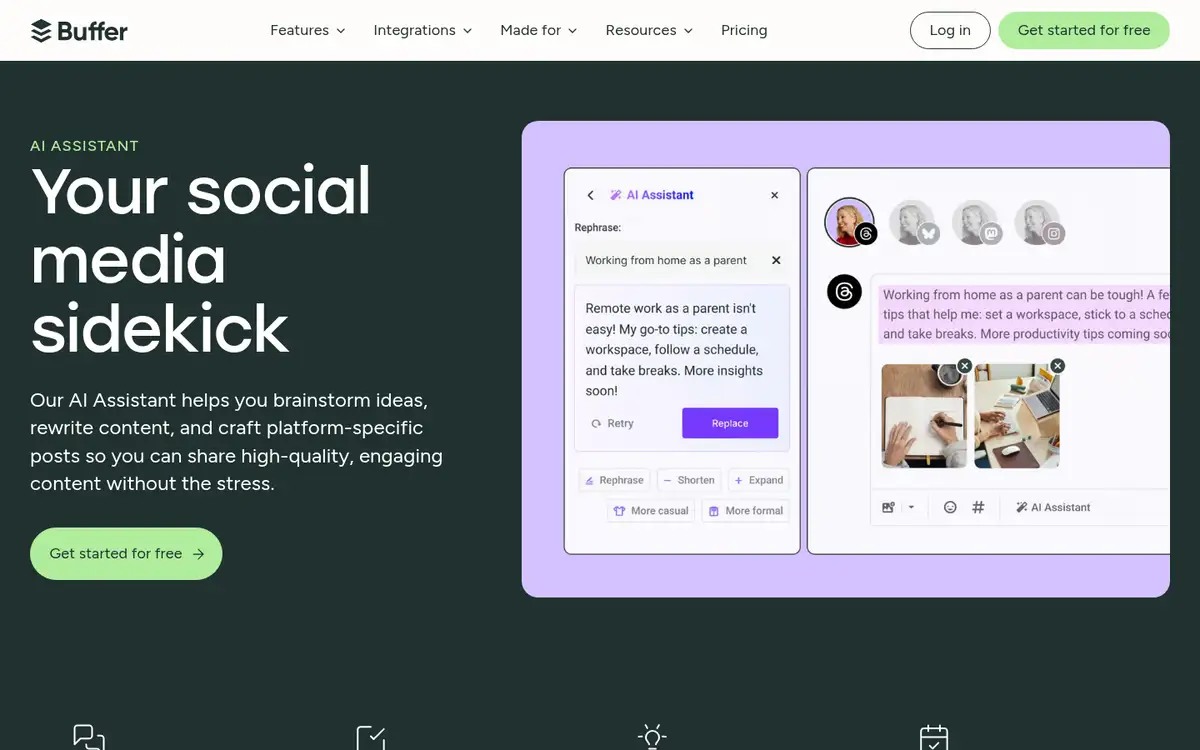
Buffer is the practical choice when the raw material already exists but every channel needs its own version. Its AI Assistant can generate ideas and captions, rewrite or resize an idea for different networks, and repurpose one post into several formats. The rest of Buffer is built around the queue, calendar, publishing, community replies, and analytics. Buffer says the core product is not AI-powered, which is useful clarity: this is a scheduler with an AI writing layer, not a full content operating system.
That makes Buffer a good first purchase for a founder who has a weekly point of view, a few social channels, and no desire to build a larger content workflow. It leaves more work with the team: research, long-form articles, source management, and a durable record of brand context still need another home. Canva, ChatGPT, Claude, Make, n8n, and other integrations can fill parts of that gap, but each connection is another handoff to maintain.
The free plan includes up to three channels, 10 scheduled posts per channel, ideas, AI Assistant access, and basic insights. Paid Essentials starts at $5 per channel per month and has a 14-day trial. One detail belongs in a privacy review: Buffer says text entered into its AI Assistant is shared with OpenAI. Do not paste confidential material until that arrangement fits your policy.
Canva: Best for visual production and resizing
Canva is the strongest fit when the content problem is visible: a team has ideas and copy but cannot finish the carousel, short video, graphic, or resized campaign asset. Its current plans combine AI writing, image and video creation, design adaptation, Brand Kits, collaboration, approvals, and social scheduling. That is a lot of production power in one visual workspace.
The trade-off is workflow depth. Canva can help make and distribute an asset, but a small team may still need somewhere else for topic research, a durable editorial plan, SEO articles, unified conversation handling, and performance learnings that shape the next brief. Choose it when design is the bottleneck. Do not mistake a polished asset pipeline for a complete marketing loop.
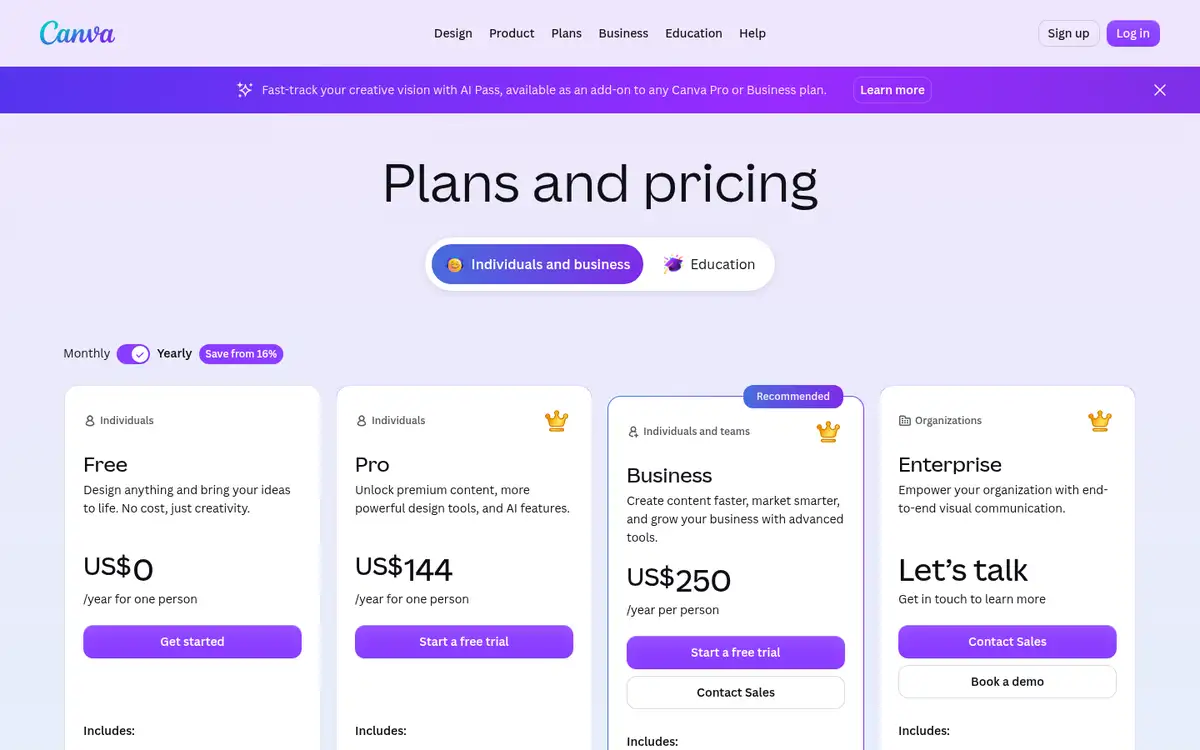
Canva Free is $0 and includes limited Standard and Premium AI access. Pro is listed at $144 per year for one person, while Business is $250 per person per year. Pro includes five Brand Kits; Business includes 100, along with team administration and approvals. The free-to-paid AI allowance changes by plan, so a team that generates often should check its allowance rather than comparing only the subscription price.
Jasper: Best for governed marketing content
Jasper is built for marketing teams that need more than a blank prompt. Its Jasper IQ layer combines Brand Voices, Audiences, Knowledge assets, style rules, and visual guidelines. The platform also documents marketing agents and workflows, shared documents, content remixing, research, and image creation. That combination makes it a serious option when several people or clients need to produce content without re-explaining the brand every time.
Jasper is a better fit for a content or marketing operation than for a founder who writes two posts a week. The cost is higher, and distribution, publishing, and measurement may still depend on integrations or a separate stack. That is not a flaw if governance is the problem you are paying to solve. It is a poor fit if the only problem is turning a finished idea into a queue of social posts.
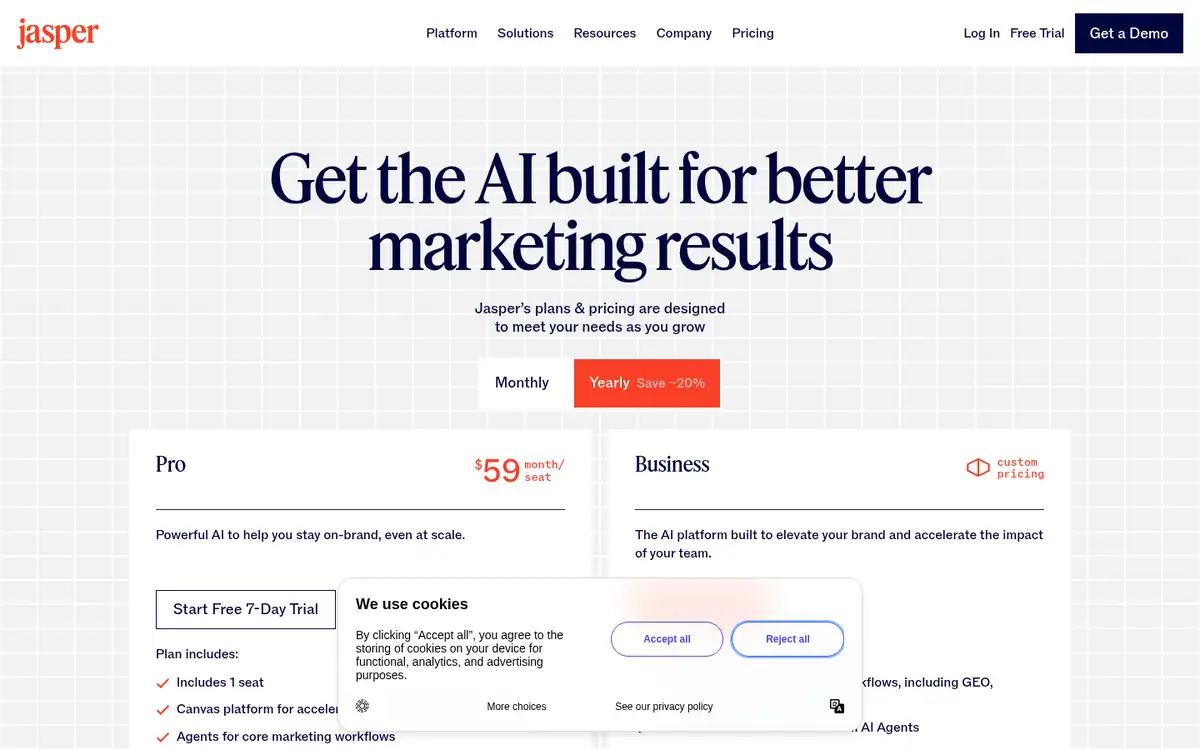
Pro is $69 per seat per month when billed monthly, or $59 per seat per month billed yearly, and includes a seven-day free trial. The pricing page does not list a free plan. Business is custom-priced and adds larger-scale agents, API access, governance, and support. For a small team, start by testing one repeatable campaign rather than buying into the enterprise layer on the promise of future volume.
Copy.ai: Best for repeatable go-to-market workflows
Copy.ai makes the most sense when content is one step inside a business process. Its Workflows are customizable sequences of AI actions that can combine research, content generation, and connections to outside tools. That is useful for repeatable jobs such as turning account information into a plan, producing a structured SEO article, or moving a researched brief through several approval steps.
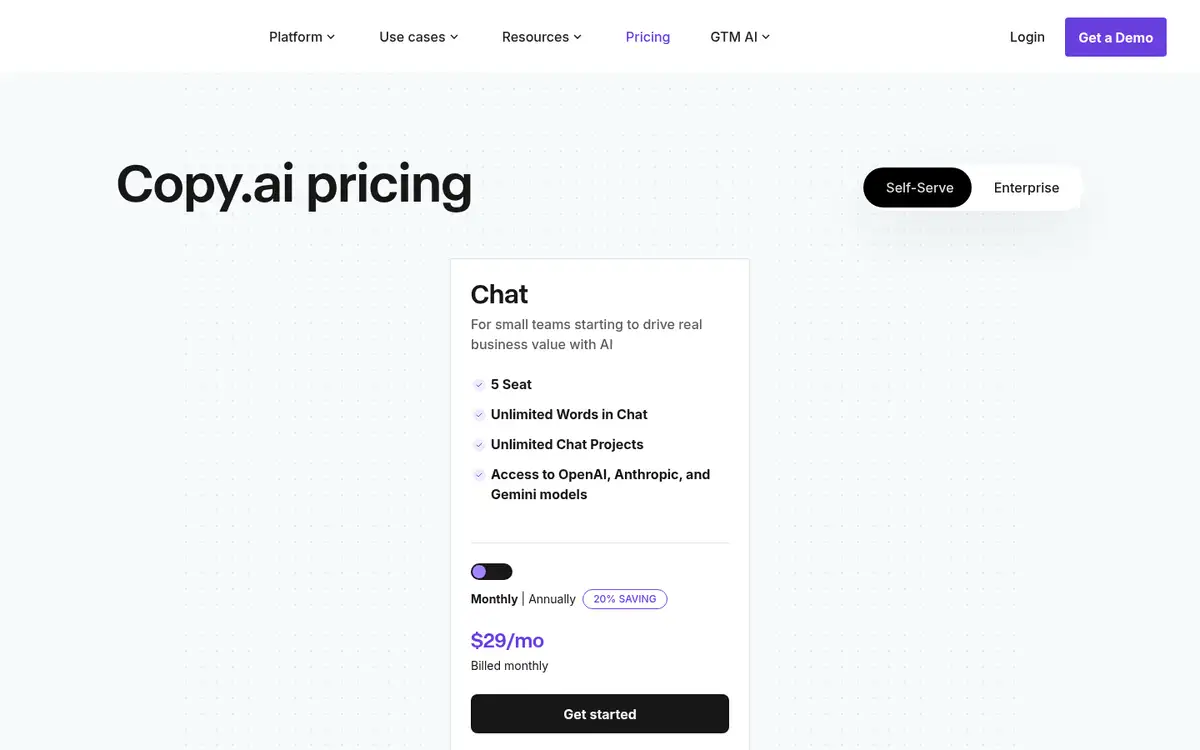
The pricing split is the important part. Chat is aimed at small teams and costs $29 per month, or $24 per month billed yearly. It includes five seats, unlimited Chat words, unlimited Chat Projects, and access to several model providers. The pricing page lists Workflow Credits on Growth and above. Growth is $1,000 per month billed yearly and includes 20,000 Workflow Credits.
So Copy.ai is not the budget pick for “write me a post.” It becomes interesting when a team can name a process that repeats often enough to justify automation. If your process is not stable yet, the workflow layer may encode confusion faster than it removes work. You may also need a separate visual tool, publishing system, or analytics setup for the last mile.
BrightBean: Best for one social-and-blog loop
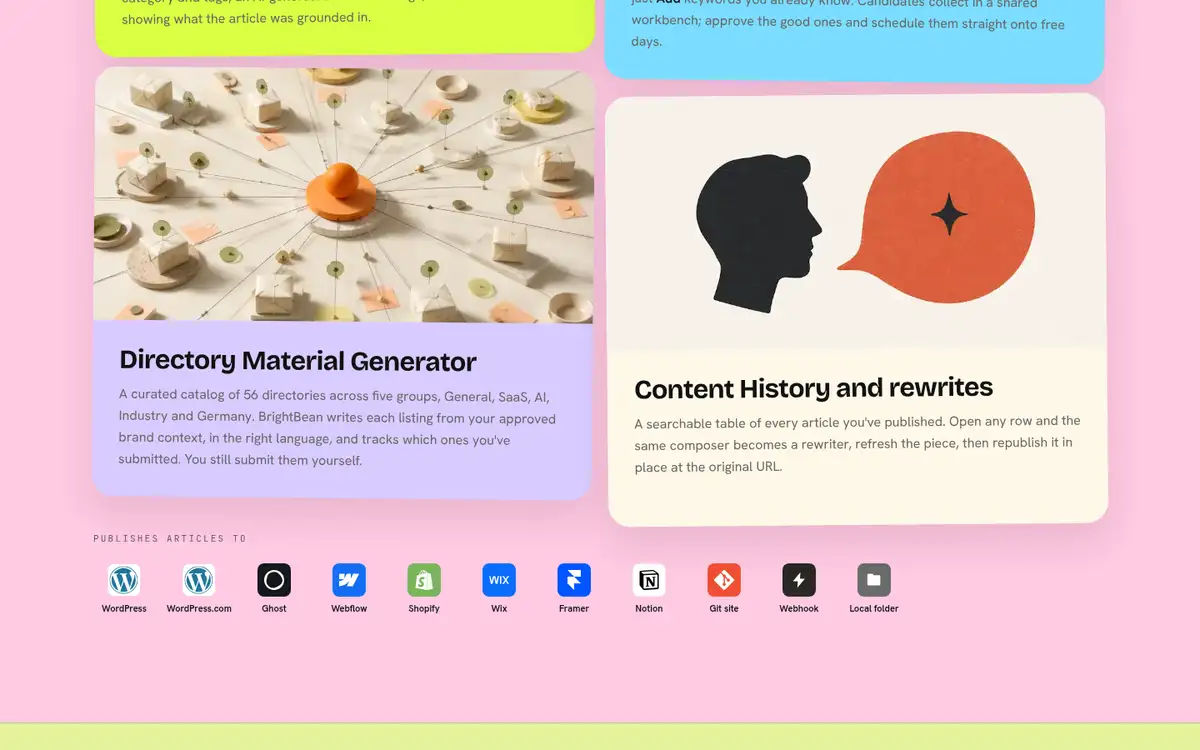
BrightBean is our product, so it belongs in this comparison only because it is a genuine candidate for the job, not because it should be placed first by default. It is the broadest workflow in this group: a team can use shared brand context for research, social posts, SEO articles, AI-assisted images and video, scheduling, publishing, analytics, and performance-informed improvement. The platform also provides approvals, a social inbox, blog connectors, and API/MCP access.
That breadth matters when the real problem is a disconnected calendar. Instead of writing in one place, designing in another, scheduling in a third, and forgetting what happened after publication, the team can keep those steps around one workspace and one brand context. People still approve and direct the work. The point is fewer repeated explanations and fewer manual transfers, not hands-off marketing without review.
The limitation is just as concrete. BrightBean Free costs $0 and covers customer-created content, scheduling, publishing, the calendar, social inbox, and API/MCP access, but it has no AI-generation credits. The full-product trial costs $7 for seven days, and the Plan tier is $119 per workspace per month, or $100 per month equivalent when billed annually. That is a different purchase from a lightweight caption assistant. It makes sense when a team needs the connected loop; it does not make sense if the only missing piece is a few social captions.
Test the handoff before you buy
A polished demo can hide the work between steps. Run the same small test in every tool you are seriously considering:
- Start with one real brief, including the audience, offer, proof, and desired action.
- Ask for the same set of outputs: a short article outline, one LinkedIn post, one Instagram caption, one visual direction, and a publishing-ready version.
- Count how often you have to paste the brand, audience, and source material again.
- Mark where design, approvals, scheduling, analytics, and revisions happen. Those are the handoffs, not the generated paragraph.
- Price the actual unit you will buy: channels, seats, people, workspaces, or workflow credits.
Here is an illustrative test. A two-person team has one product update and wants a blog post, a LinkedIn post, an Instagram carousel, a follow-up message, and a publishing slot. Buffer handles the social adaptation and queue, while Canva handles the carousel. Jasper can keep the marketing context closer to the writing, and Copy.ai can encode a repeatable go-to-market process. BrightBean is the candidate that can keep the research, social-and-blog creation, publishing, and performance loop in one broader setup. The right answer depends on whether the team is trying to make one asset or stop rebuilding the whole process.
The choice in one sentence
Start with the narrowest tool that removes the bottleneck you can name today. Buffer is the sensible social-first start. Canva is the visual-first start. Jasper is the governed marketing-content choice. Copy.ai is the process-automation choice when the budget and repetition justify it. BrightBean is the connected-workflow choice when the cost of tool handoffs is bigger than the cost of a broader system.
Sources
- Jasper pricing: https://www.jasper.ai/pricing. Current Pro and Business pricing plus Jasper IQ, marketing agents, workflows, collaboration, and content capabilities.
- Copy.ai pricing: https://www.copy.ai/pricing. Chat, Growth, Expansion, and Scale pricing, seats, workflow credits, and the platform's workflow model.
- Canva pricing: https://www.canva.com/pricing/. Free, Pro, Business, and Enterprise pricing, AI allowances, Brand Kits, collaboration, approvals, and social scheduling.
- Buffer pricing: https://buffer.com/pricing. Free, Essentials, and Team plans, channel-based pricing, trials, AI Assistant access, scheduling, analytics, and community features.
- Buffer AI Assistant: https://buffer.com/ai-assistant. AI-assisted social post ideas, captions, repurposing, platform adaptation, editing, and the vendor's data-sharing disclosure.
- BrightBean pricing: https://brightbean.xyz/pricing/. Free manual-publishing plan, seven-day full-product trial, paid workspace plans, credits, and the distinction between manual and generated content.
- BrightBean features: https://brightbean.xyz/features/. Brand context, social and blog creation, publishing, approvals, analytics, learning, inbox, connectors, and API/MCP capabilities.